Before you start Choose model run with or without samples
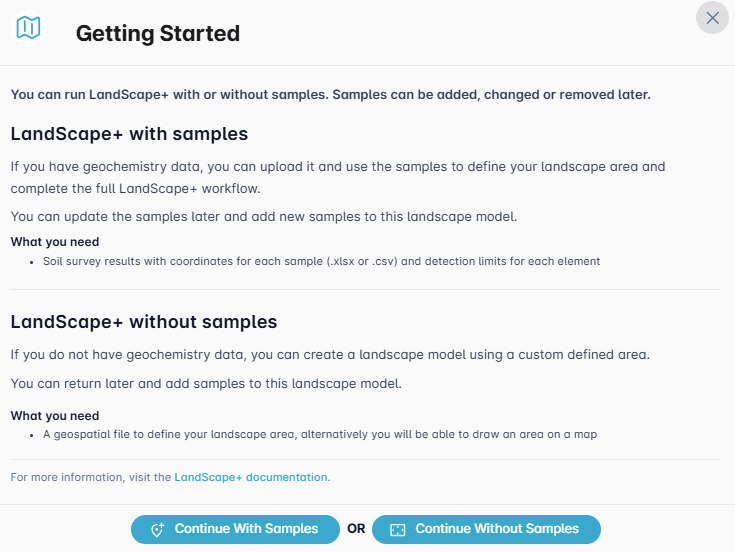
Upon activating your licence (go to My Licences and then click on the Create Project & Activate button), a Getting Started window will pop up. Choose whether you wish to continue building a model with or without samples by clicking the respective blue buttons at the bottom of the window. If you choose to build an initial model without samples you can add samples later. Any samples uploaded will not affect the model. Rather, the model the samples are attached to will define the outliers within the dataset by landscape type (see more on this in Step 4).